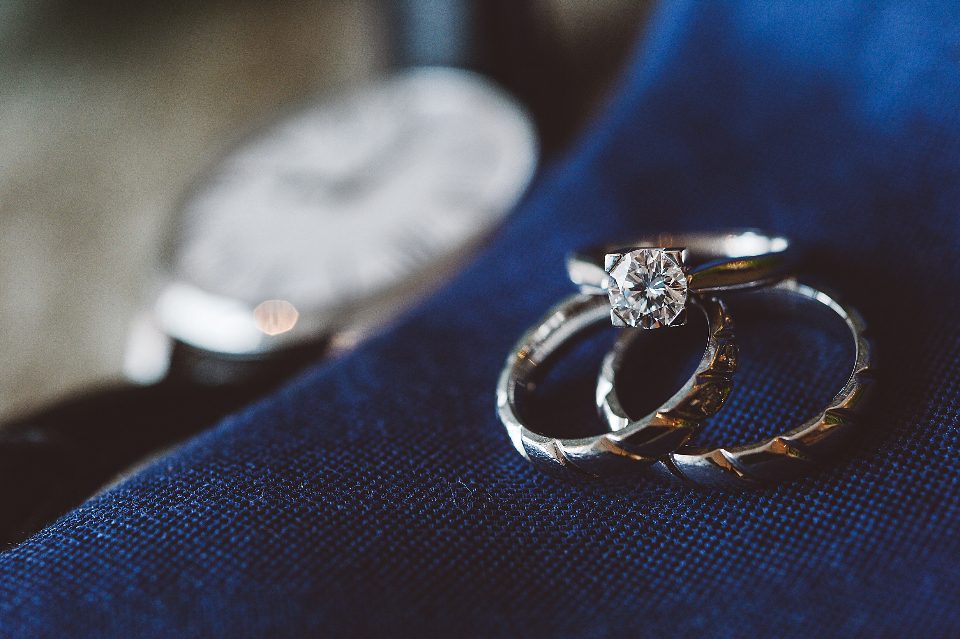
Rings, chains and earrings are tiny mirrors. They reflect the room, the camera and the photographer, and every speck of dust looks like a boulder at macro distance. Good retouching can fix a lot, but the best results always start with a careful shoot.
Clean first, then clean again
Wipe each piece with a microfiber cloth, then use a soft brush or a blower on stones and settings just before you shoot. Wear cotton gloves when you position it. Five minutes here can save an hour of dust removal per photo.
Control the reflections
- Surround the piece with white card so metal reflects white, not your room.
- Use one large, soft light rather than several small ones.
- Shoot through a hole in black card if your camera appears in the reflection.
- Take one extra frame with the stone lit from behind for extra sparkle we can blend in.
Keep it sharp from front to back
Close up, depth of field is very thin. Use a tripod, a small aperture like f/11 to f/16, and take a few frames focused at different points. We can stack them into one image that is sharp across the whole ring.
Then hand it over
Our Jewelry Retouching removes the dust and scratches that remain, balances reflections and corrects metal color so gold looks like gold. For a full store set on white, add the E-commerce Product Pack for matching margins on every image.